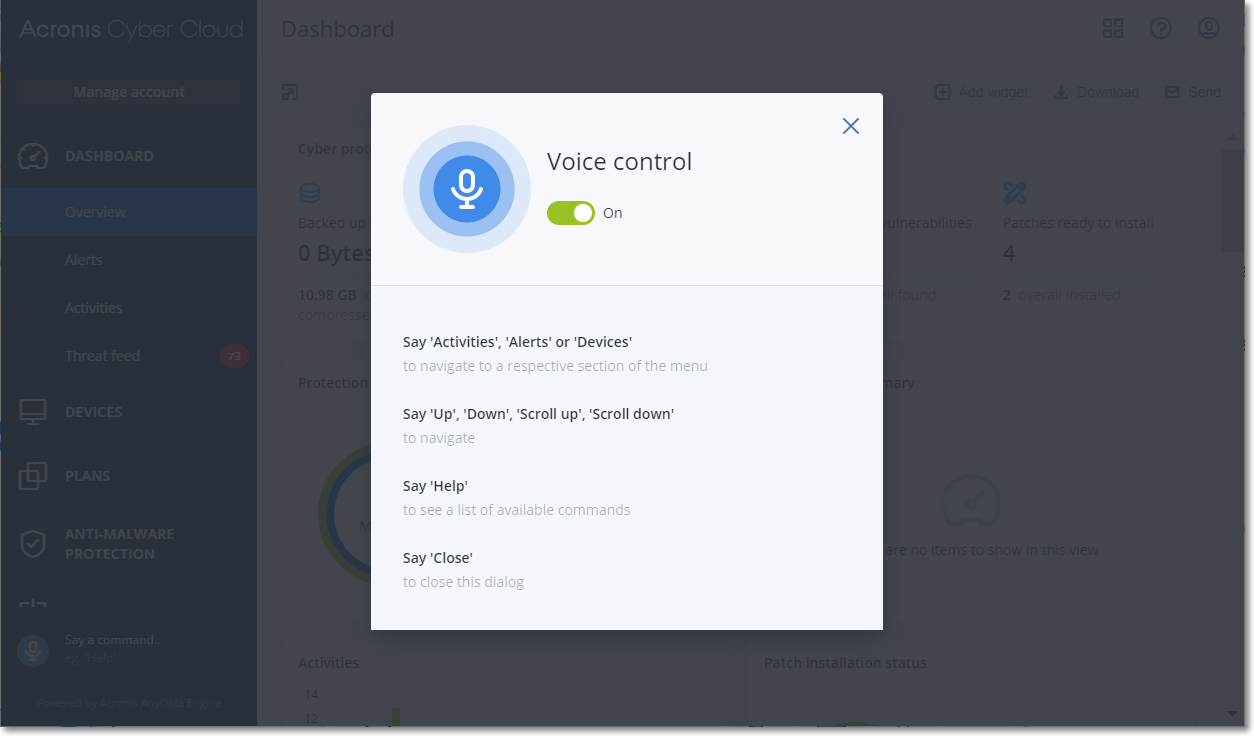
You can enable voice control to perform different operations in the service console by using your voice. This functionality is available only in the Cyber Protect editions.
Before turning on voice control, ensure that access to the microphone is enabled.
To turn on voice control, click the user icon in the upper right corner in the service console, click Voice control, and then turn on the switch. After that, every time you pronounce a command, you will see the recognized text in the lower left corner in the service console.
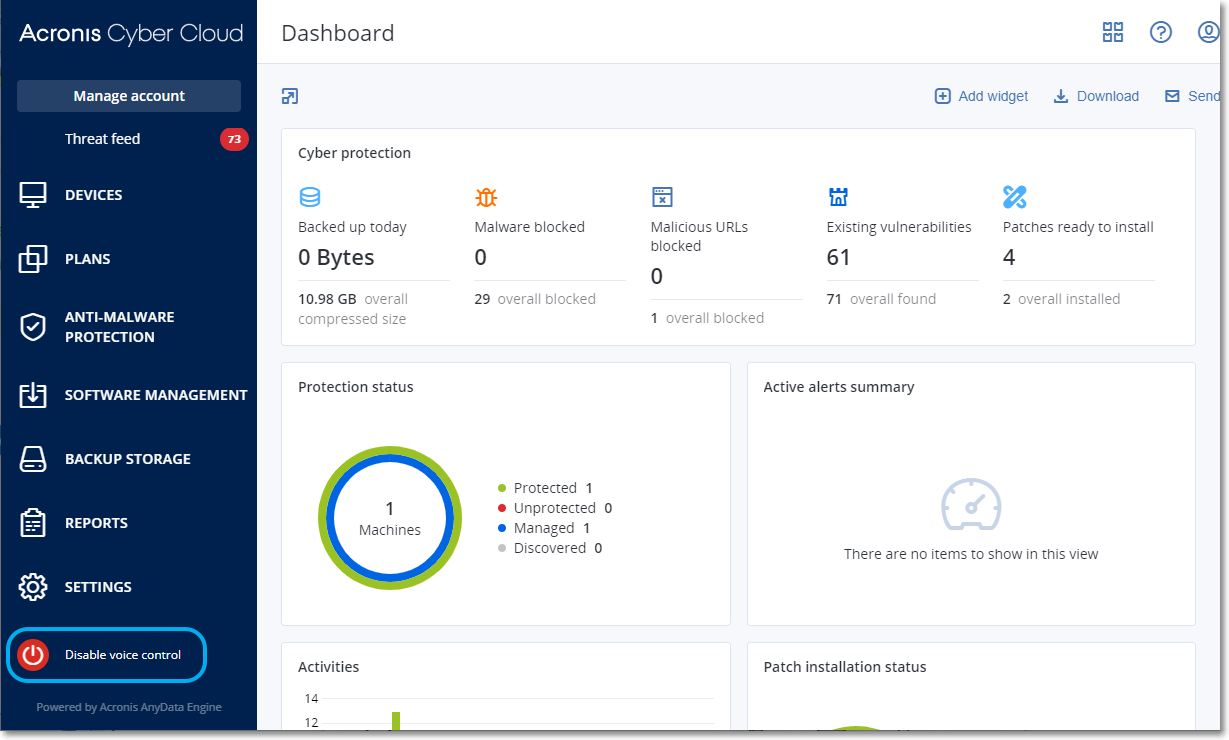
To turn off voice control, either hover you mouse on the microphone icon in the lower left corner and click the red button or click the user icon in the upper right corner in the service console, click Voice control, and then turn off the switch.
Limitations:
To open the help and view all of the available voice commands, click the question mark icon in the upper right corner, and then select Voice control help.
Voice command |
Description |
General |
|
Help |
Open a help modal window |
Scroll up |
To scroll up the page |
Scroll down |
To scroll down the page |
Up (or Previous) |
Move to the upper row in a table |
Down (or Next) |
Move to the lower row in a table |
Close |
Close a modal window |
Dashboard > Overview |
|
Overview |
Go to the Overview section |
[Status name] |
Drill down by the machine status in the Protection status widget |
Dashboard > Alerts |
|
Alerts |
Go to the Alerts section |
[Name of alert] |
Filter by the alert type by saying the corresponding alert name. For example, "Backup Failed", "License Expired", "Machine Offline" |
Clear all |
Clear all alerts |
Dashboard > Activities |
|
Activities |
Go to the Activities section |
Dashboard > Threat feed |
|
Threat feed |
Go to the Threat feed section |
Devices > All devices |
|
Devices |
Go to the All devices section |
Protect |
Open the list of protection plans for a device |
[Plan name] |
Select the protection plan for a device. For example, "Entire machine to cloud", "Cloud to cloud backup" |
Apply |
Apply the certain protection plan to a device |
Cancel backup |
Stop running a backup for a certain device |
Back up now |
Run backup on a certain device |
Recovery |
Open recovery points for a device |
Details |
View the device details |
Activities |
Open activities for a device |
Alerts |
Open alerts for a device |
Antivirus & Antimalware protection |
|
Quarantine |
Go to the Quarantine section |
Whitelist |
Go to the Whitelist section |
Software management |
|
Patches |
Go to the Patches section |
Vulnerabilities |
Go to the Vulnerabilities section |
Common scenarios: