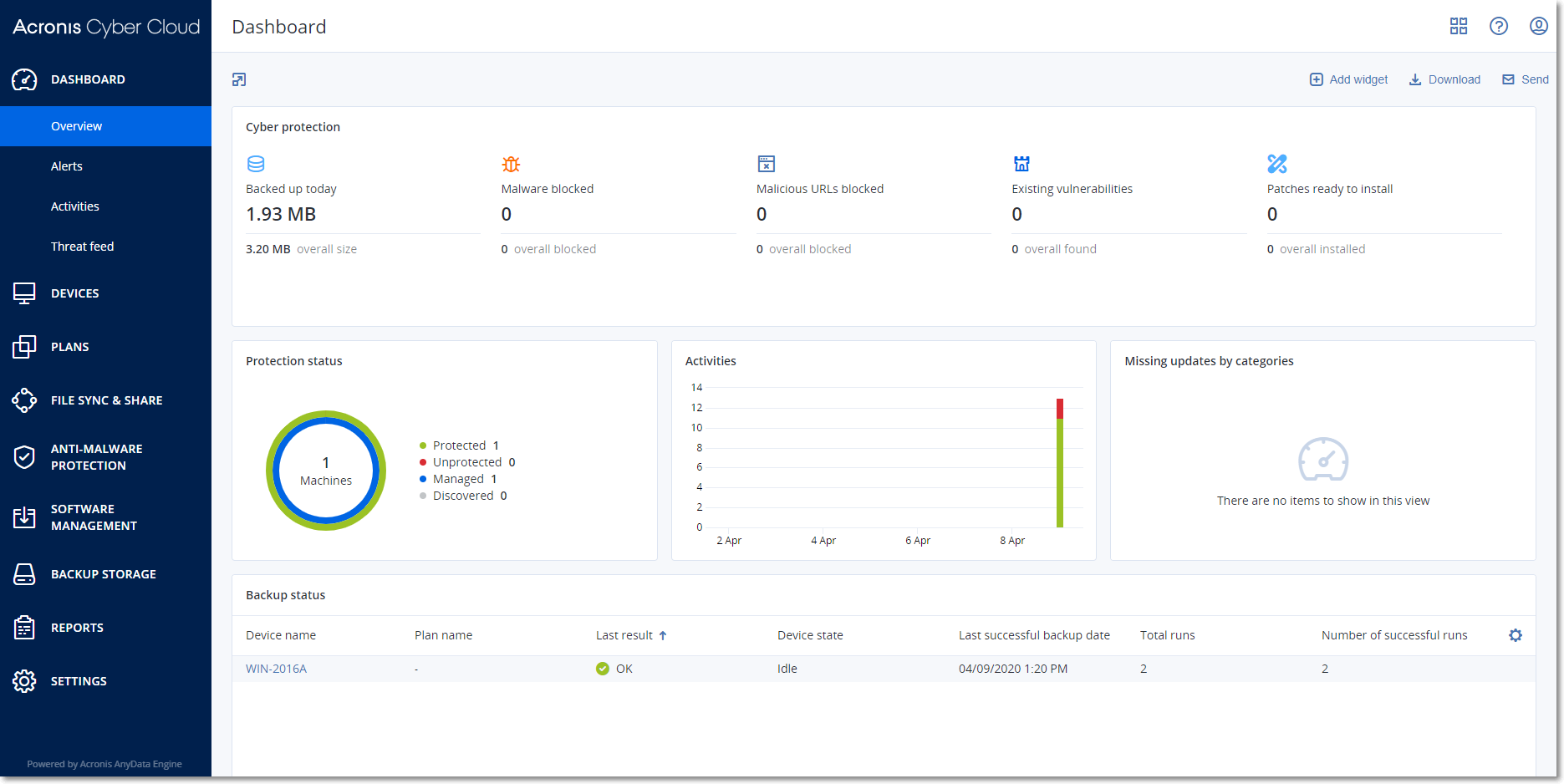
The service console allows you to manage your devices and protection plans, and provides you with a nifty dashboard where you can find the most important information about your protection.
In the service console, you can change your settings, configure your reports, or check your backup storage. The console also gives you access to additional Cyber Protection services or features, such as File Sync & Share or Antivirus & Antimalware protection, Patch management, and Vulnerability assessment. Depending on the Cyber Protection edition, their type and number may vary.
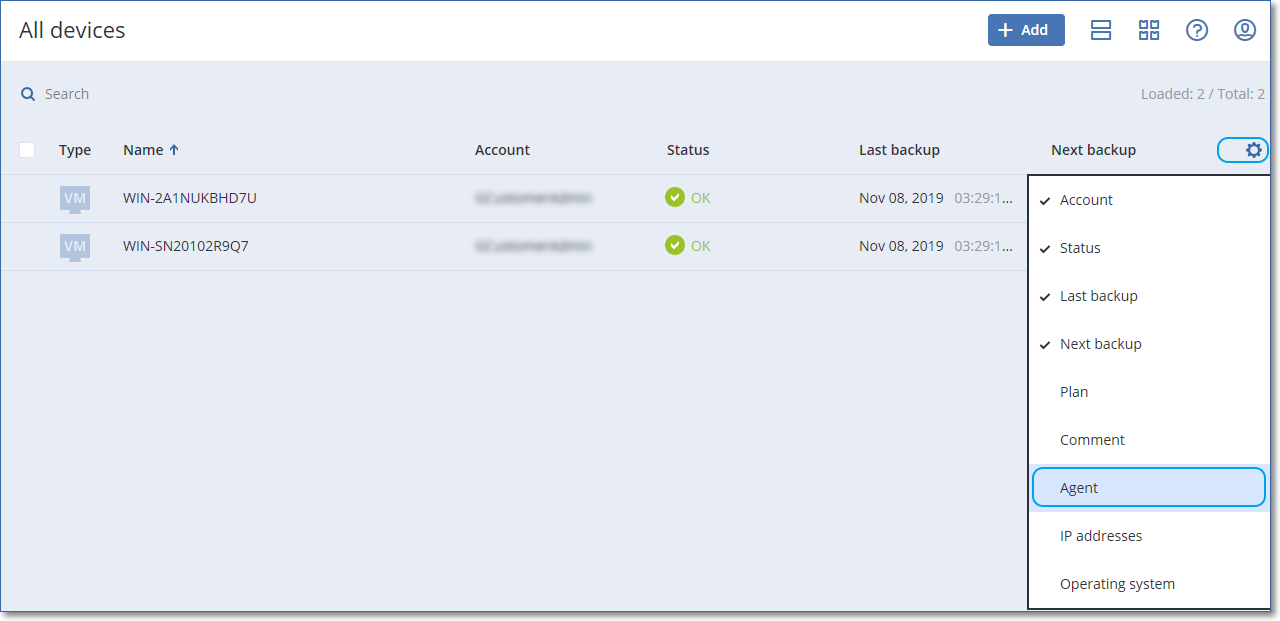
For the Devices section, you can choose between the simple and the table view. To switch between them, click the corresponding icon in the top right corner.
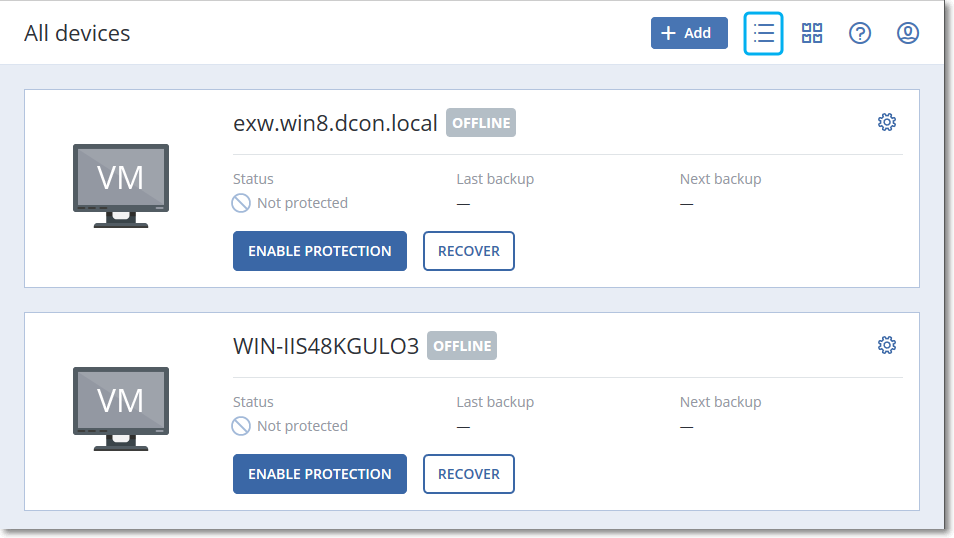
The simple view shows only a few machines.
The table view is enabled automatically when the number of machines becomes larger.
![Table view [For Cloud]](47857.png)
Both views provide access to the same features and operations. This document describes access to operations from the table view.
To delete a machine from the service console
Important Deleting a machine from the service console does not uninstall the protection agent on it and does not delete the protection plans applied to this machine. The backups of the deleted machine will also be kept.
VMware or Hyper-V virtual machines and ESXi hosts can be backed up by an agent that is not installed on them. You cannot delete such machines individually. To delete them, you need to find and delete the machine on which the respective Agent for VMware or Agent for Hyper-V is installed.
To delete a virtual machine or ESXi host without an agent